SimFixr Releases Flight Information Display System Powered by VATSIM

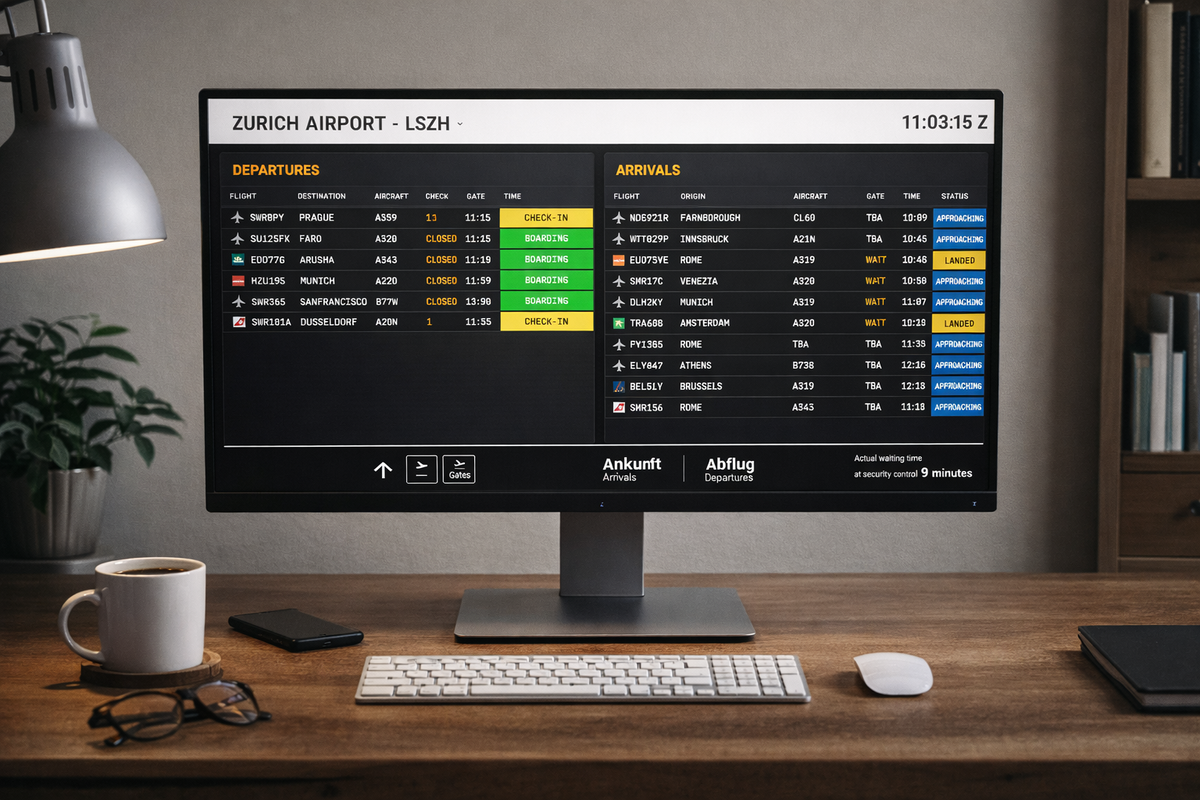
Anyone who's spent time at a major airport will recognise the hypnotic flow of departure and arrival boards, that distinctive rhythm of updating flight information, status changes, and gate assignments that's become the visual language of modern air travel. Now, VATSIM pilots operating in Swiss airspace can experience that same professional presentation with a newly launched Flight Information Display System (FIDS) covering Zurich, Geneva, and Basel and London Heathrow airports.
The project, developed by flight simulation enthusiast Taz Mattar with a passion for aviation systems, brings the familiar airport board experience to the virtual skies. Rather than relying on basic flight tracking tools, the application replicates the look and feel of actual airport displays. Whilst the initial release focuses on Switzerland's three major airports, LSZH, LSGG, and LFSB and London Heathrow, the modular design allows for straightforward expansion to other airports worldwide, with plans to add additional locations based on community demand.
How It Works: Intelligence Behind the Display
The system connects to VATSIM's public data feed every 60 seconds, pulling live information about pilots, their positions, flight plans, and aircraft status. But unlike simple tracking apps, this board makes intelligent decisions about what to display and when, just like real airport systems.
When a pilot connects to VATSIM and files a flight plan from Zurich, for example, they're immediately assigned a check-in desk based on their airline callsign. As they sit at the gate preparing for departure, the board shows them as "Boarding". The moment they request pushback and begin moving, the system detects the change through a combination of ground speed and transponder code analysis, switching the status to "Pushback" and marking their gate as "CLOSED".
Gate assignments themselves happen automatically. The developer extracted precise coordinates for every stand at all three airports from Google Earth, creating a database of parking positions. When an aircraft is stationary within 35 metres of a known stand, the system assigns that gate, no manual input required.
For arriving flights, the board begins displaying them when they enter realistic radar range, updating their status through "Approaching", "Landing", and "Landed" as they progress. Once parked at a gate, the status changes to "At Gate" – again, detected automatically through position matching.
Authentic Visual Design
Each airport has its own distinctive appearance, matching the real-world branding pilots would recognise from actual visits:
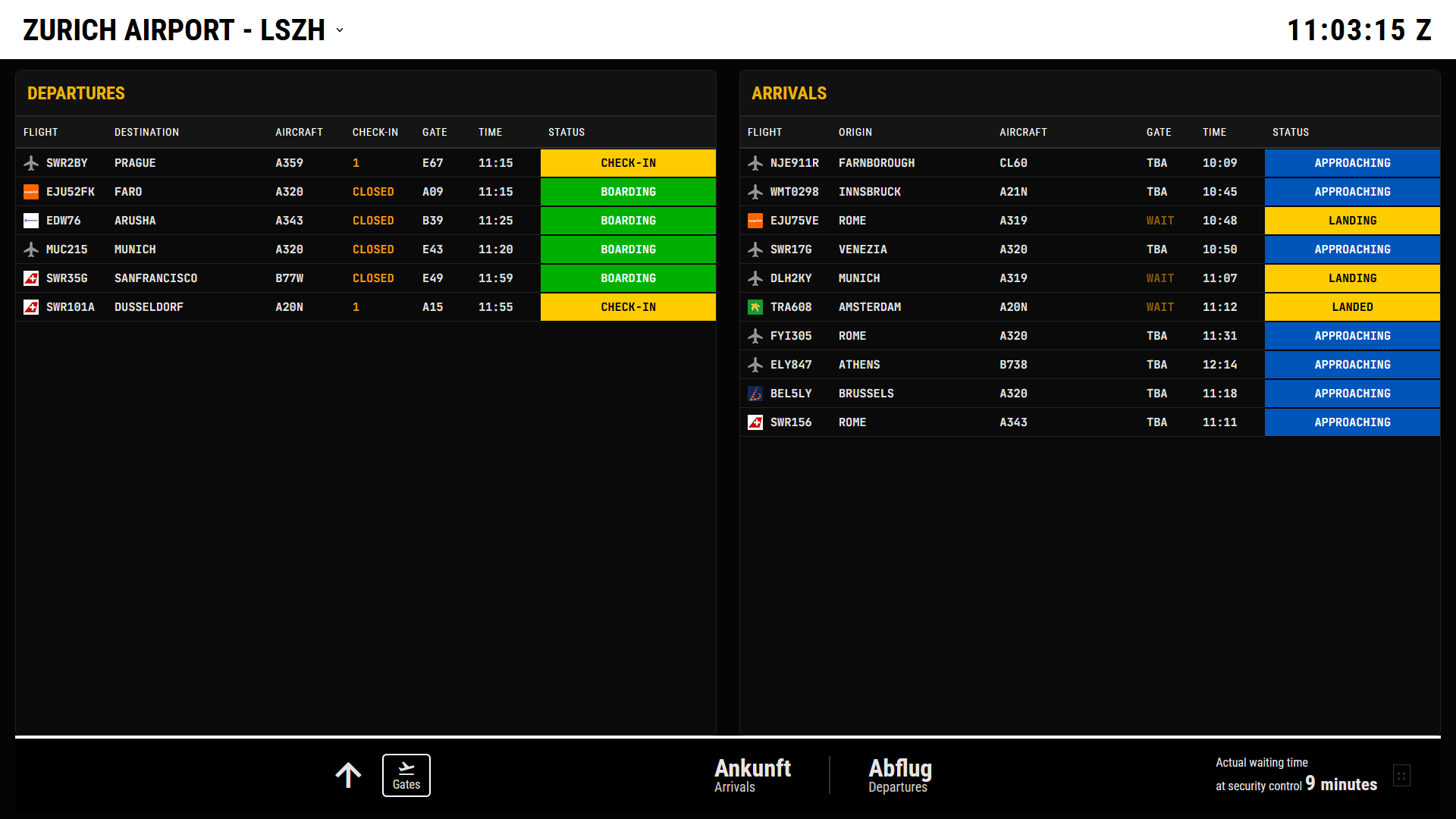
Zurich (LSZH) features a high-contrast white header with black text and yellow accents, delivering that clean, modern Swiss precision.
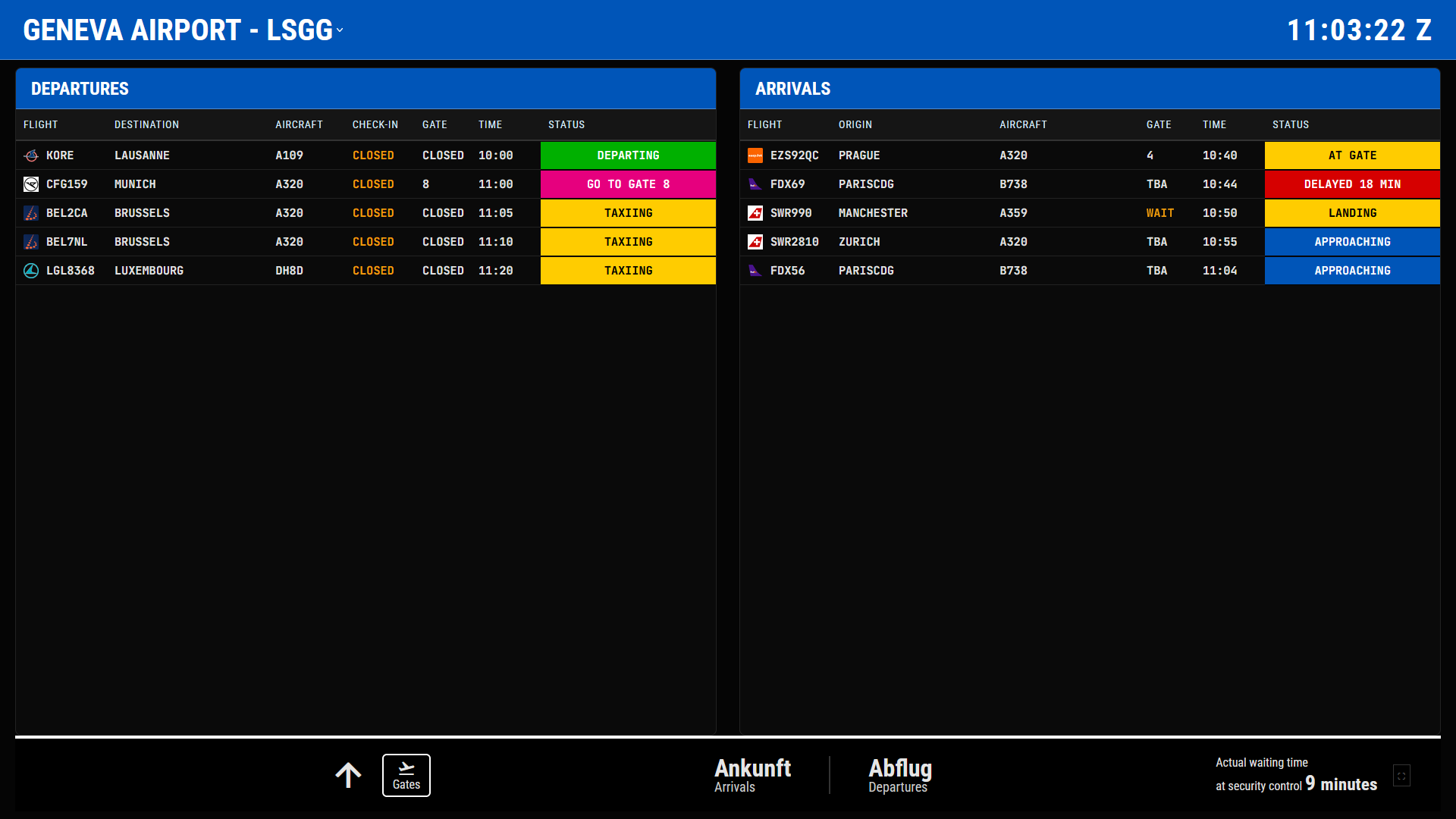
Geneva (LSGG) uses its signature "Geneva Blue" colour scheme with white text, instantly recognisable to anyone who's flown through Cointrin.
Basel (LFSB) takes a different approach with an immersive blue background and transparent panels, reflecting the unique character of the EuroAirport.
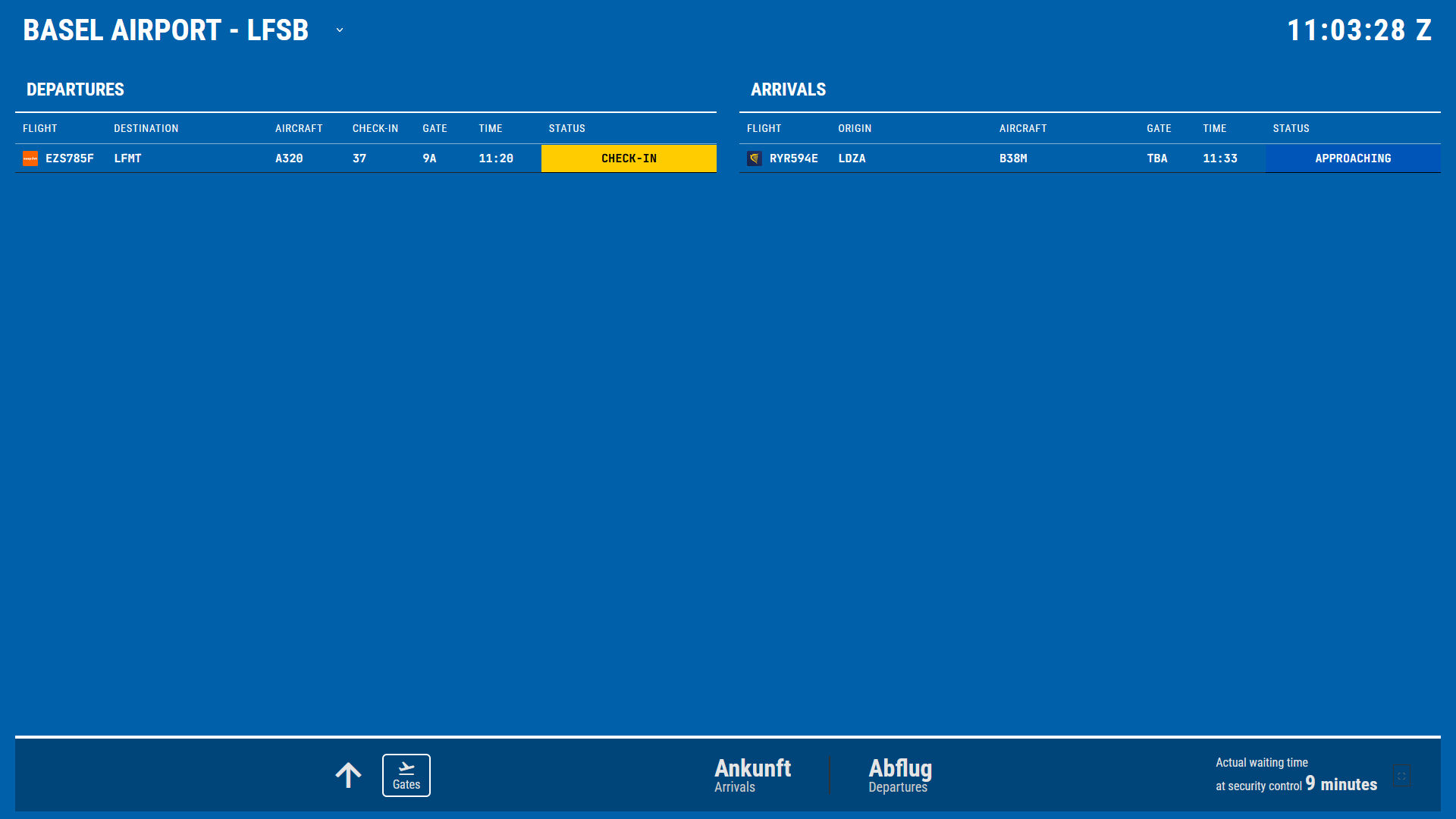
Status information is displayed in bold, coloured blocks across the full width of each row, green for boarding, pink for "GO TO GATE" alerts, yellow for check-in and taxiing, and red for delays or cancellations. These are designed to be instantly readable from across a room, making the board perfect for display on dedicated monitors during virtual airline operations or simply keeping an eye on Swiss traffic whilst building flight hours.
Smart Filtering and Realistic Behaviour
Real airport displays don't show every aircraft within 500 miles, they show relevant traffic based on operational context. The VATSIM board replicates this logic.
Departures appear from the moment a pilot connects and remain visible through check-in, boarding, pushback, and taxiing until they've cleared the immediate terminal area (approximately 80 kilometres from the airport). At that point, they disappear from the board, just as they would at a real airport once airborne and handed off to departure control.
Arrivals appear when aircraft enter realistic radar range and persist through their approach, landing, and taxi to the gate. The system even calculates delays by comparing scheduled departure times against actual connection times, displaying delay warnings when appropriate.
Built for the Community
The application runs continuously, accessible to all members of VATSIM users monitoring operations at Switzerland's three major airports currently (expansion to other airports planned). It's been designed to work on dedicated display monitors in both portrait and landscape orientations, with automatic scrolling when flight lists exceed screen height.
Access and Future Development
The VATSIM Flight Board is now live and operational, with the code available as open-source software for anyone interested in adapting it for other airports or networks. The system's modular design means adding new airports is straightforward, requiring only coordinate data and optional stand databases for automatic gate assignment.
For VATSIM pilots flying into or out of any airspace, the board provides both a practical planning tool and an immersive touch of realism. Check the display before your next departure from Zurich, and you'll see your callsign progress through check-in, boarding, and pushback, just as passengers would see it whilst waiting in the terminal.
It's a small detail in the broader world of flight simulation, but one that adds another layer of authenticity to the virtual aviation experience. And for those who appreciate the technical side, it demonstrates what's possible when public APIs meet focused development and genuine enthusiasm for the subject matter.
Key Features:
- Real-time updates every 60 seconds from VATSIM data feed
- Automatic gate assignment using GPS coordinate matching
- Intelligent flight status detection (boarding, taxiing, departing, etc.)
- Delay calculations and warnings
- Airport-specific visual themes
- Supports both portrait and landscape display orientations
- Auto-scroll for long flight lists
- Open-source and available for community use
Links:
- View the live board: http://flightboard.simfixr
- GitHub repository: https://github.com/tazmattar/flight-board
The VATSIM Flight Board is free to access and use. Visit the GitHub repository for installation instructions and customisation options, or view the live board to see current operations at Swiss airports.